If you’re new to PC or console gaming, building the ultimate setup can feel overwhelming. From choosing the right monitor to getting the perfect lighting, there’s a lot to consider. But don’t worry Creasrtfield System has your back.
In this guide, we’ll walk you through everything you need to create a comfortable, functional, and awesome looking gaming setup, whether you’re gaming casually or dreaming of streaming.
Building a gaming setup that boosts performance, comfort, and overall experience doesn’t have to be complicated—especially if you’re just starting out. Whether you’re preparing for long gaming sessions, streaming, or competitive play, the right setup can help you play better and enjoy more. At creasrtfield we help gamers make smart decisions with simple, practical guidance.
If you’re ready to create a powerful, efficient gaming station, this guide covers everything you need to get started.
1. Start With the Right Gaming PC or Console
Your gaming experience begins with your primary system.
For PC gamers, focus on key specs like:
- Processor (CPU)
- Graphics card (GPU)
- RAM
- Storage (SSD recommended)
For console gamers, simply choose the device that supports your favorite games and performance level.
Tip: Don’t overspend in the beginning—choose a build that fits your current needs with room for upgrades.
2. Choose a High-Quality Monitor
A great monitor can drastically change your experience.
Here’s what to consider:
- Refresh Rate: 120Hz–165Hz for smooth competitive gameplay
- Resolution: 1080p for starters, 1440p for better clarity
- Panel Type: IPS for color accuracy, VA for deeper contrast
If you mainly play FPS or competitive titles, refresh rate is more important than resolution.
3. Invest in a Comfortable Gaming Chair
You’ll spend hours in front of your screen—comfort matters. A good gaming chair ensures proper posture, reduces back strain, and improves overall endurance.
Key features to look for:
- Adjustable armrests
- Lumbar and head support
- Recline options
- High-density cushioning
Ergonomics = better focus and better performance.
4. Get the Right Keyboard and Mouse
Your input devices directly affect your accuracy and reaction time.
Keyboard: Choose a mechanical keyboard with responsive switches.
Mouse: Look for adjustable DPI settings and an ergonomic grip.
Pro gamers often use lighter mice for faster flicks and smoother movement.
5. Use a Quality Headset
A good headset can help you hear approaching enemies, teammates’ calls, and immersive game audio.
Look for:
- Surround sound
- Noise isolation
- Comfortable ear cushions
- Clear mic quality
Even an entry-level gaming headset can significantly upgrade your gameplay.
6. Organize Your Desk Space
Clean setups are not only visually appealing but also improve focus. Keep only what you need—your monitor, keyboard, mouse, and essential accessories.
Quick setup tips:
- Use cable management clips
- Place your monitor at eye level
- Ensure enough desk space for mouse movement
Small adjustments can create a big difference.
7. Add Personal Style With Lighting
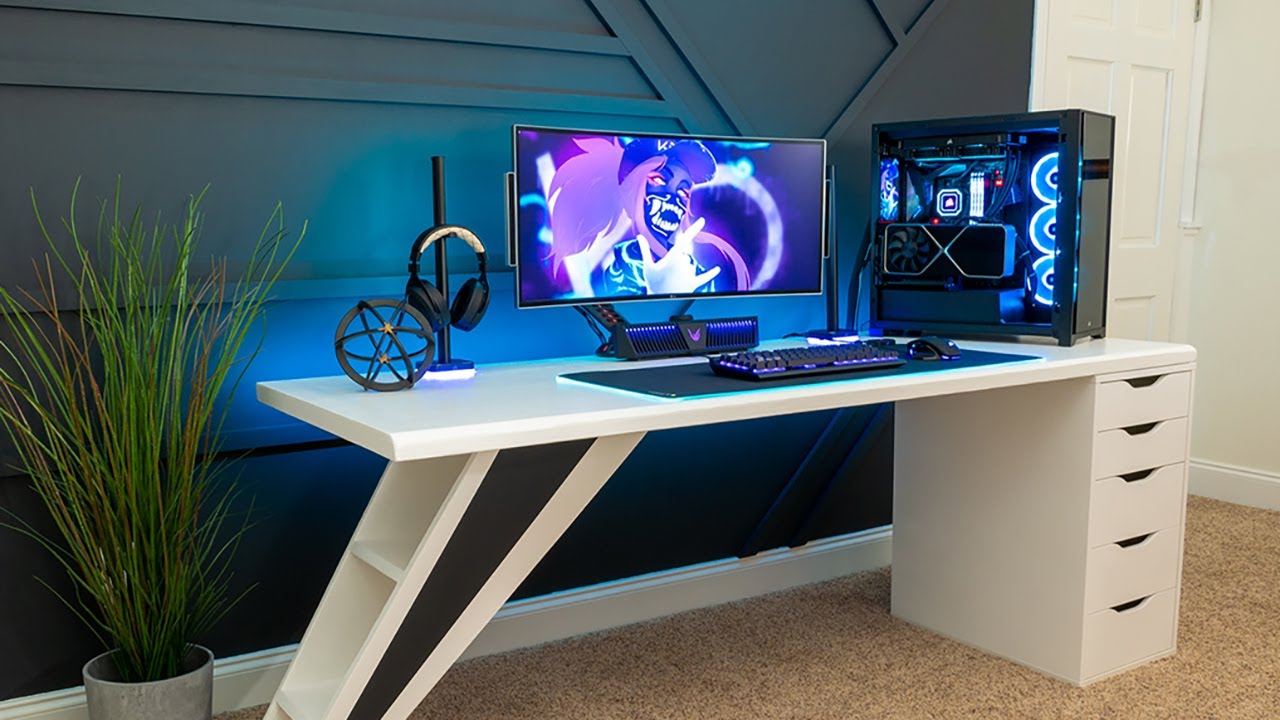
RGB lighting is optional, but it adds a unique personality to your gaming environment. Smart LEDs behind your desk or PC case can enhance the mood and create immersive gameplay effects.
8. Make Room for Upgrades
A great setup evolves over time. Start basic, then gradually upgrade parts like your GPU, monitor, or accessories as your gaming skills and needs grow.
Building slowly also helps you understand which components matter most for your gaming style.
Final Thoughts
Building the ultimate gaming setup doesn’t require expert knowledge—just the right guidance and a bit of planning. By focusing on comfort, performance, and personalization, you can create a setup that makes every gaming session more enjoyable.
Browse more useful gaming tips, guides, and updates at creasrtfield and level up your space like a true gamer.